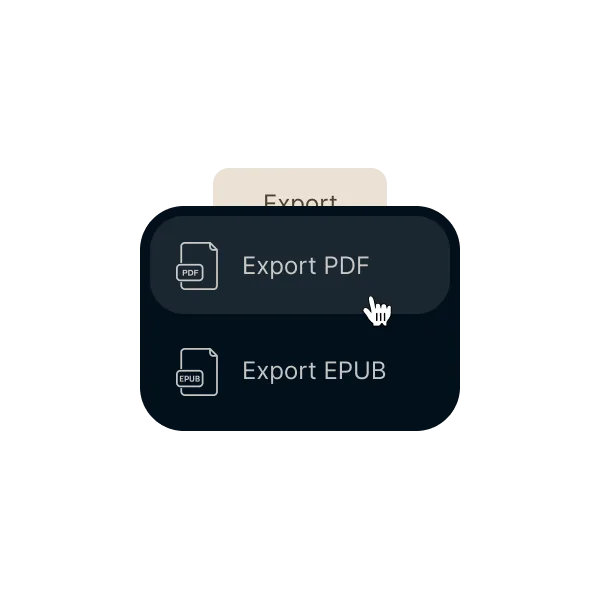
Export your book to PDF without rebuilding it elsewhere
When the book is ready, the PDF should be ready too. Chapters, pages, and spacing stay aligned with the preview you already reviewed
The PDF should not force you into a second formatting workflow. With Ordo, export comes from the same project where you wrote and reviewed the book
Export a PDF that stays aligned with the chapters, pages, and spacing you already reviewed
Avoid rebuilding the layout in Word, InDesign, or another tool just to generate the final file
Reach KDP, IngramSpark, or print with fewer manual steps and fewer surprises
01Write in one project
Text, chapters, and structure stay in the same flow instead of splitting writing from layout
02Review the book in preview
Check pages, margins, and visual rhythm before the final export while you are still editing the content
03Export when you are ready
Generate the final PDF with fewer retries and without moving the book into another tool
No export rebuild
The final file comes from the same project where you wrote and reviewed the book, without recreating the layout elsewhere
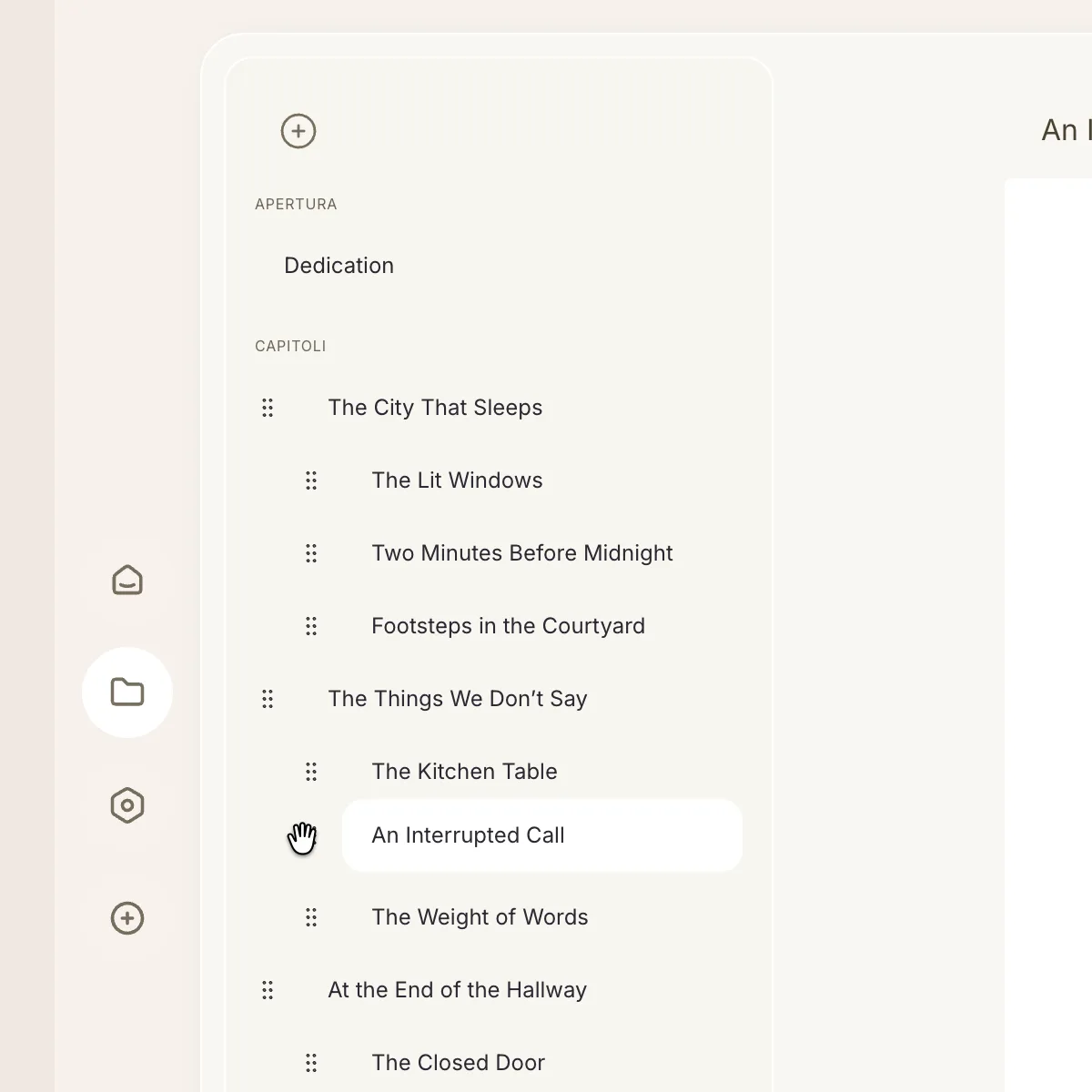
Structure stays aligned
Chapters, headings, pages, and spacing stay aligned with the result you already checked in preview
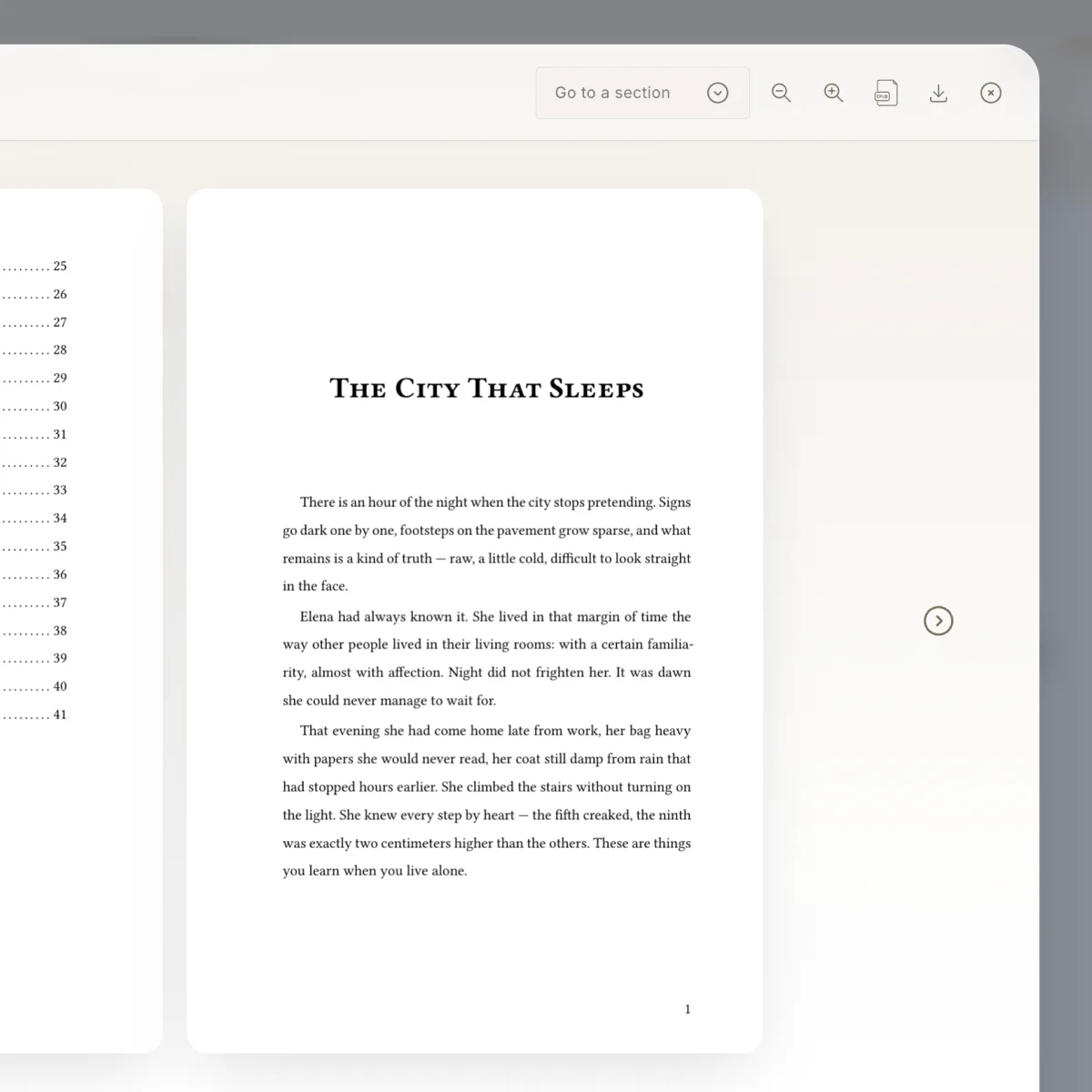
Review before generating
Inspect the formatted book before the final export instead of downloading intermediate versions to catch layout issues
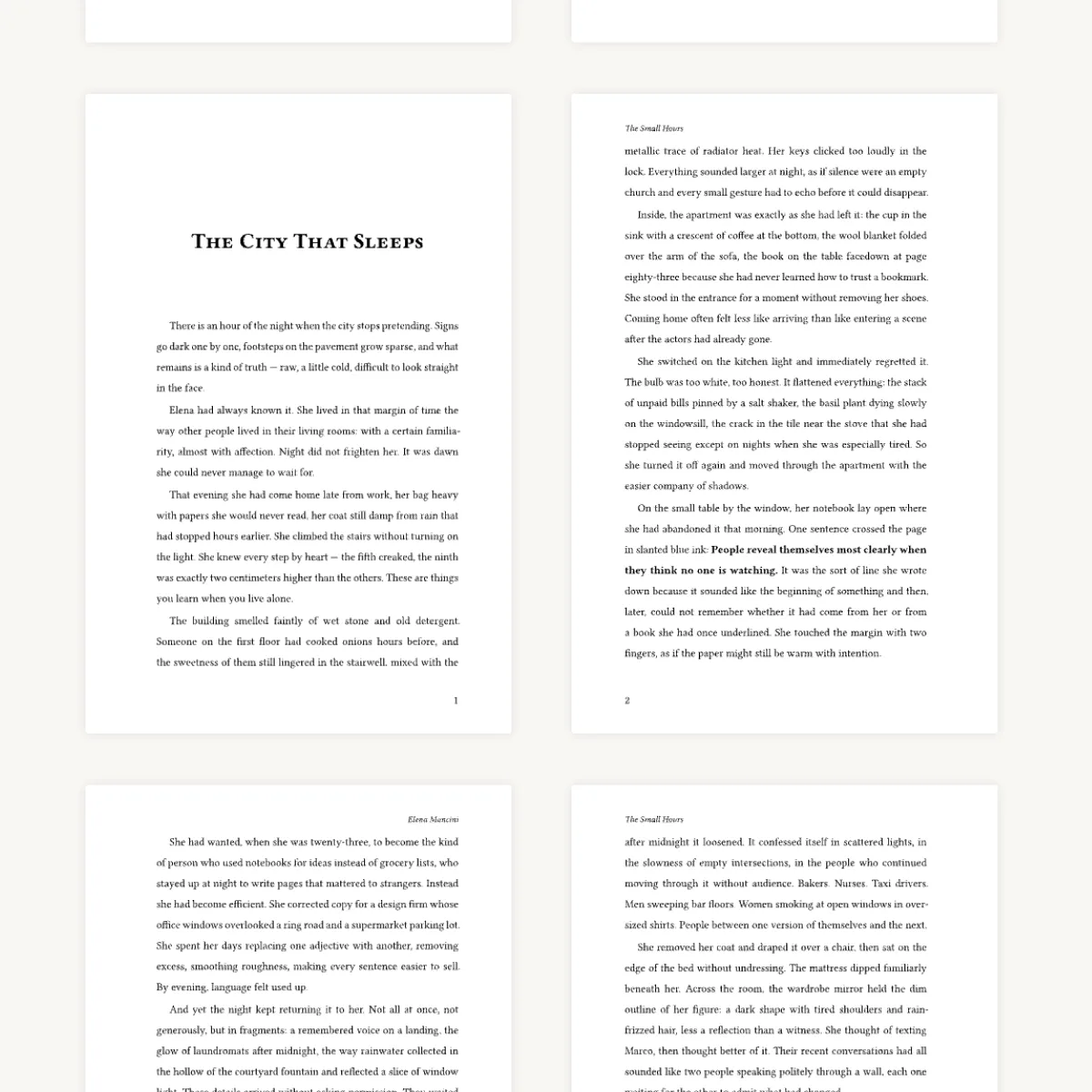
Ready for print workflows
Reach a cleaner final PDF for upload, review, or professional printing with less back-and-forth