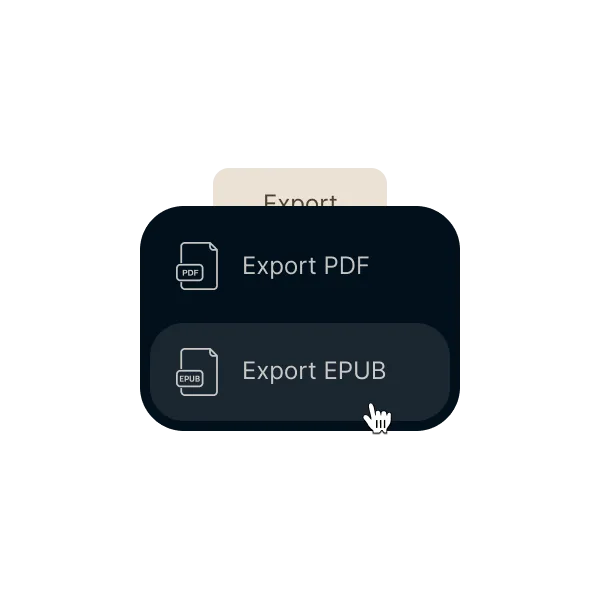
Export readable EPUB files without rebuilding the book
When the manuscript is ready, the EPUB should be ready too. Chapters, headings, and images stay aligned with the project you already organized
The EPUB should not force you into a second production workflow. With Ordo, export comes from the same project where you wrote and organized the book
Export an EPUB that keeps the chapters, headings, and structure you already organized
Avoid external conversions and manual cleanup just to prepare the final digital file
Reach Kindle and other stores with less rework and without duplicating the project
01Write in one project
Text, chapters, and hierarchy stay in the same flow instead of splitting writing from digital output
02Review structure and content
Check chapters, headings, and images before the final export with the book already organized
03Export when you are ready
Generate the final EPUB with fewer manual steps and without moving the book into other tools
No export rebuild
The digital file comes from the same project where you wrote and organized the book, without rebuilding the structure elsewhere
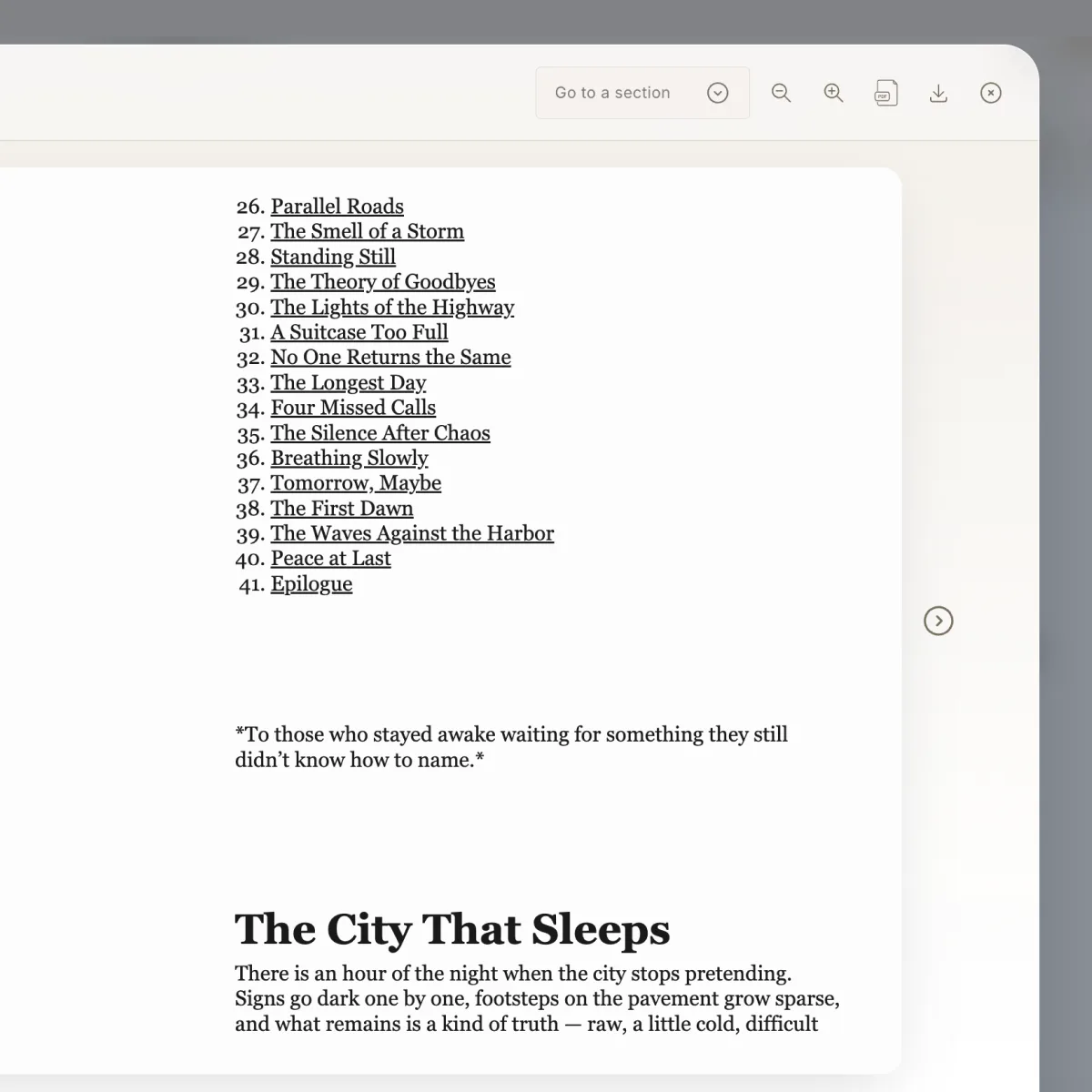
Structure stays consistent
Chapters, headings, and sections stay organized in the EPUB according to the hierarchy you already set
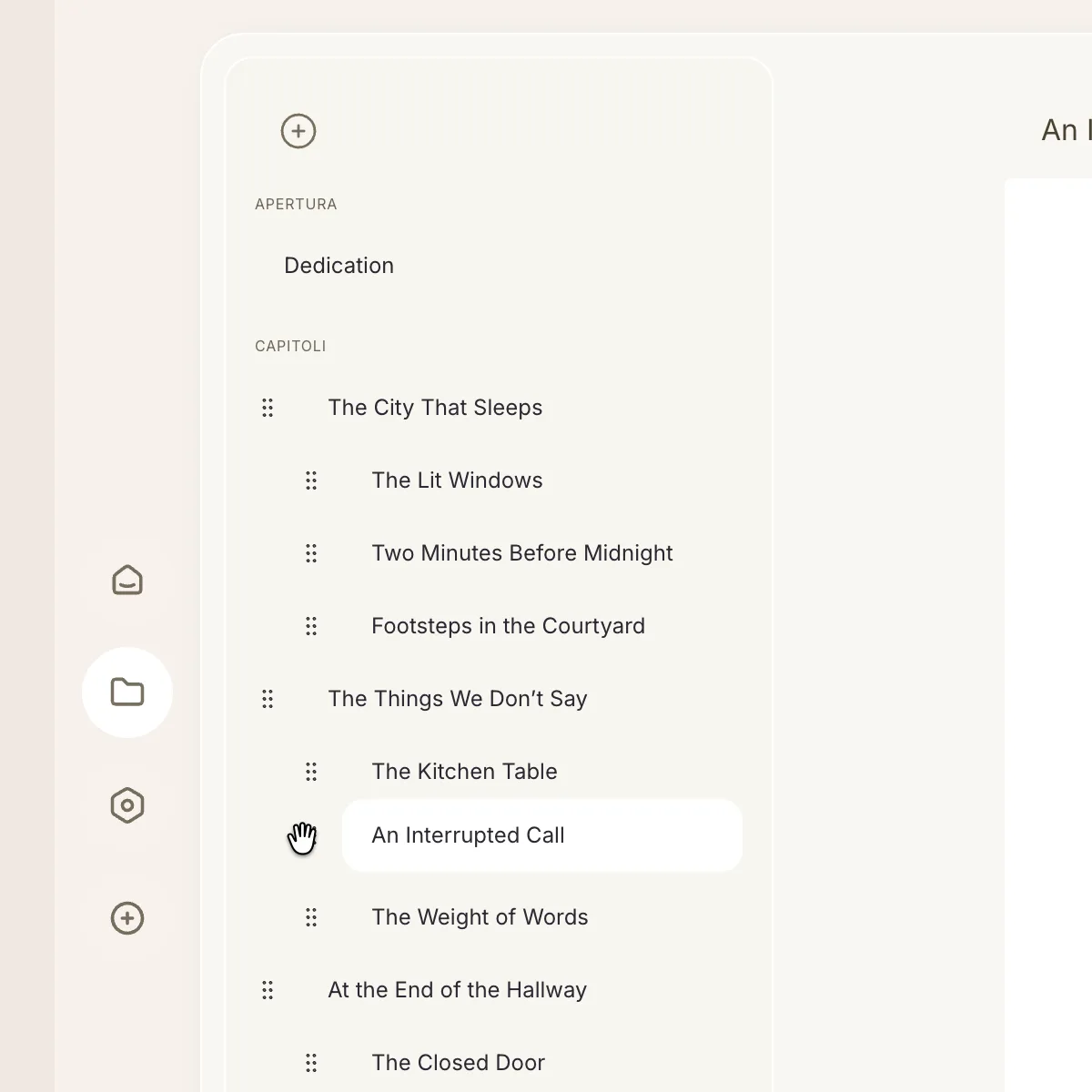
Elements stay in context
Images, QR codes, and visual content carry into the EPUB while keeping their role inside the book
Ready for digital distribution
Reach a cleaner final EPUB for Kindle and other stores with less back-and-forth and less manual rework